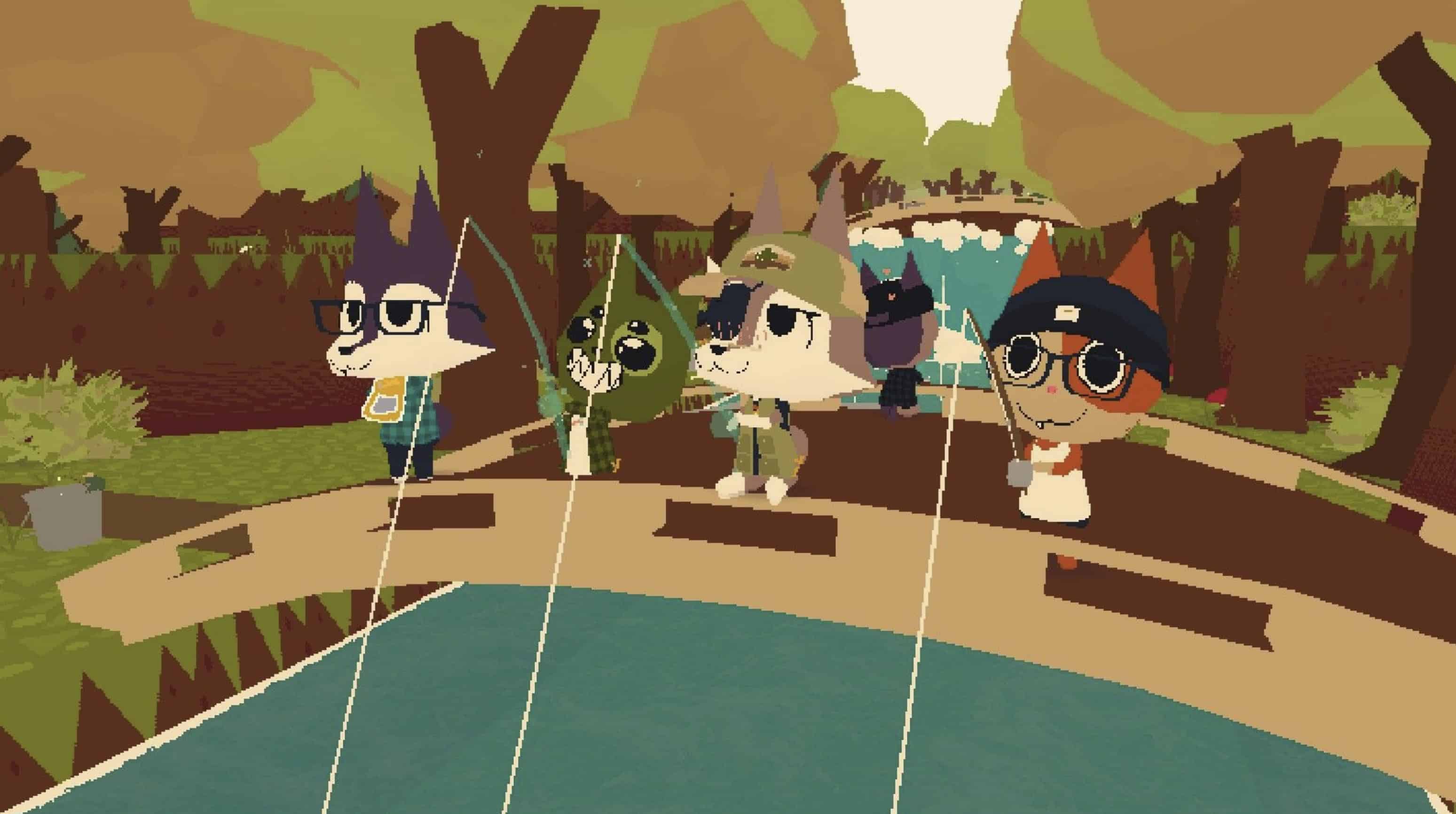
PC Webfishing SaveGame
Some rare items have been unlocked, and parts of the journal are filled in. The game is well-balanced, and grind-heavy items have been collected.
Installation:
– Download the save file archive
– Disable cloud synchronization (if using a licensed copy on Steam or another launcher)
– Navigate to the following path: “AppData\Roaming\Godot\app_userdata\webfishing_2_newver”
– Extract the archive contents into this folder (overwrite existing files if prompted)
– Launch the game
– Check the save file
– Exit the game
– Re-enable cloud synchronization (if using a licensed copy, using the same method you used to disable it)
– If a cloud sync conflict occurs, select the local save
– Done!