PC Dying Light: The Beast SaveGame
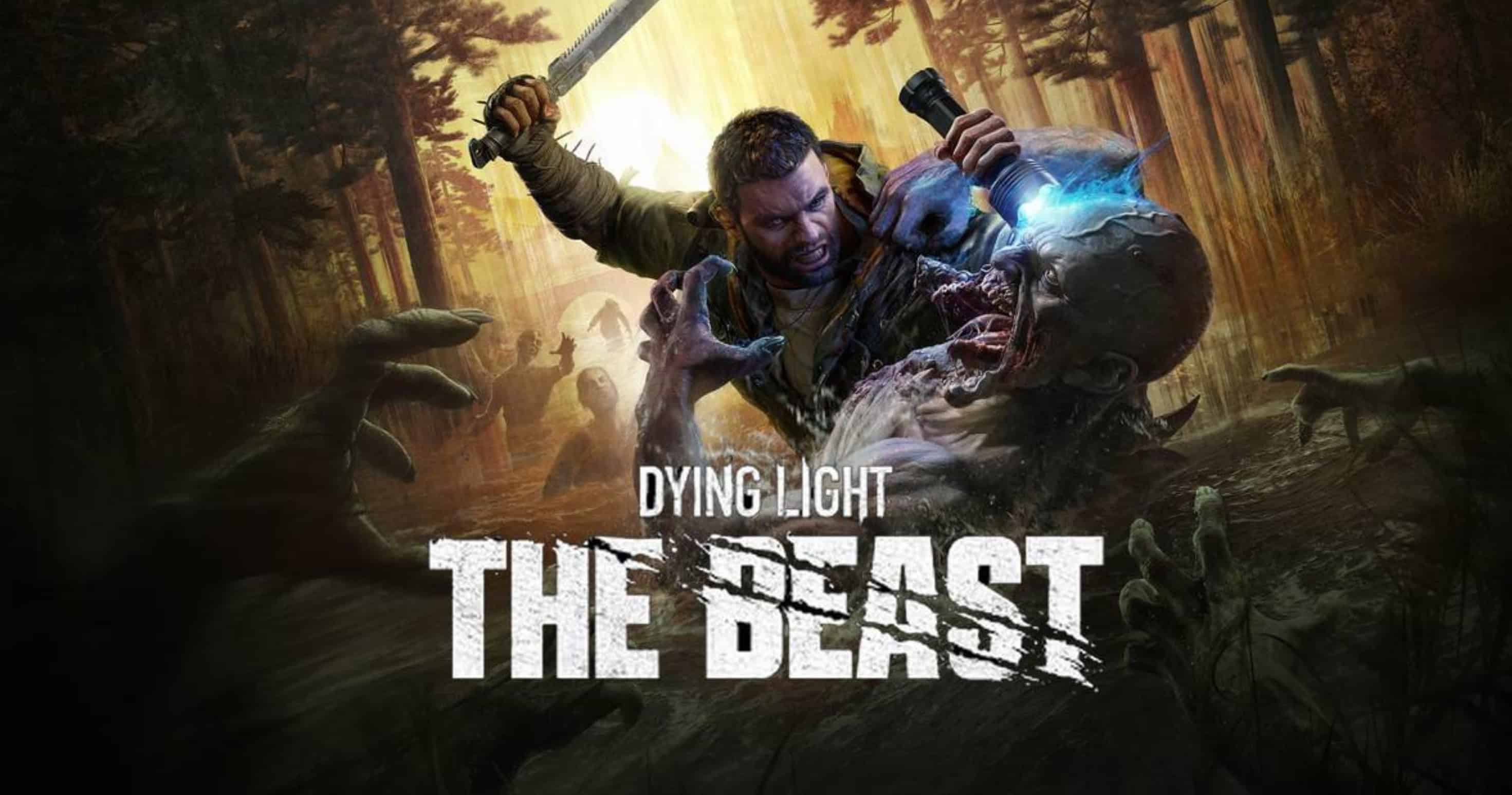
START+ — a starting save file for *Dying Light: The Beast* in “Liberated Land” mode on “Hardcore” difficulty. The prologue is complete, and the conversation with Olivia has been finished. The save was created at the start of the “Life After Life” mission, prior to visiting the Town Hall. Kyle Crane is Level 15 and possesses three gear sets, all 347 available blueprints, unlocked rewards, and a fully revealed map (no fog). Further story progression is left to the player.
Progress
– Prologue completed
– “Life After Life” mission started
– Town Hall not yet visited
– Character Level: 15
– Mode: Liberated Land
– Difficulty: Hardcore
– Survival Settings: On
– One Life: Off
Gear
– “Ranger” – 1 set (6 items)
– “Vanguard” – 1 set (6 items)
– “Hunted” – 1 set (4 items)
– Total: 3 sets / 16 items
Unlocks
– Vehicle Paint Jobs: 26 of 26
– Outfit Skins: 86 of 86
– Character Costumes: 5 of 5
– Blueprints: 347 of 347
– Map: 100% (fog completely removed)
Blueprint Upgrade Manuals
– Expert Manuals: 5
– Artisan Manuals: 10
– Novice Manuals: 20
– Total: 35
Supplies
– Old World Wine: 5
– Military Medkit: 3
– Ammunition Crate: 1 Starter Material Pack – 1
Special Items
– High-Capacity Backpack – 2
– The High-Capacity Backpack increases the number of inventory slots and the maximum stack size per slot.
Compatibility
– Platform: Steam · PC
– Game Version: 1.7 · Anniversary Update
– Mode: Liberated Land · Difficulty: Hardcore
– Save Slot: 1
Installation
1. Prepare the save – Launch *Dying Light: The Beast*, start a new playthrough in “Liberated Land” mode in the first slot, wait for the game to save, and close the game completely.
2. Disable Steam Cloud – Steam → Library → *Dying Light: The Beast* → Properties → General → disable Steam Cloud.
3. Create a backup – Back up the contents of the folder `\userdata\\3008130\remote\out\save\`, where `STEAM_ID` is your Steam profile ID.
4. Replace the save – Copy `save_ft_pw_0.sav` from the archive into the specified folder, overwriting the existing file. This installs the save over the existing active slot.
5. Verify – Launch the game and ensure the save appears and loads correctly. You can re-enable Steam Cloud after verification.
Important
– This save file is intended for the “Liberated Land” mode, not the standard campaign.
– Be sure to back up your existing save files before replacing them.
– Unlocks do not include paid DLC, the two exclusive skins from the Deluxe Edition, or pre-order bonuses.
– Outfit skins unlock the visual appearance but do not grant the actual gear or its associated bonuses.
– The map fog has been cleared, but safe zones, icons, and other points of interest still need to be discovered manually.
– Story-based tool upgrades are not unlocked.
– In the event of a Steam Cloud conflict, do not allow the older cloud copy to overwrite the installed save file.