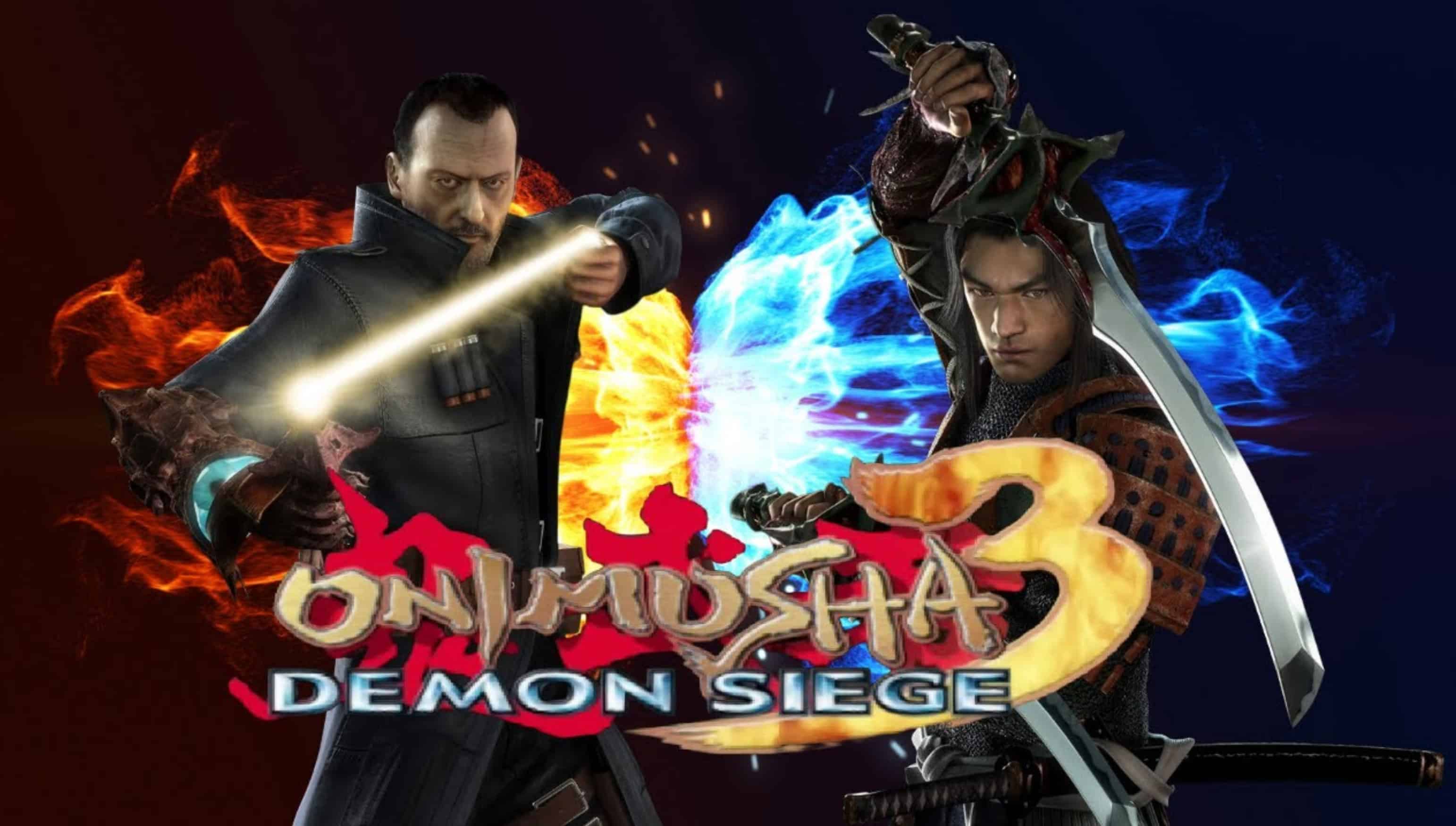
PC Onimusha 3: Demon Siege SaveGame
All difficulty levels, modes, costumes, and mini-games are available.
My save file does not have the “Devil” difficulty, “Critical” mode, the “Genma Puzzle” mini-game, or the Jacques costume unlocked. To unlock these, you need to complete the game on “Hard” difficulty while wearing the Cowboy costume for Samanosuke, and find and solve all the puzzle boxes (they should appear marked on your map).
The choice is yours; I found the game quite easy on “Normal” difficulty, so I would recommend playing through on the highest difficulty setting. Be warned, however, that some training challenges and mini-games can be incredibly grueling—but since this content is optional, it’s entirely up to you. Enjoy the game!
Installation instructions:
– Download the archive and select the folder containing either my save or the 100% completion save.
– Place the “Save” file into the folder of the same name located in the game’s root directory.
– The port is a bit rough; you may need a fix for resolutions higher than HD, and you will likely need to press Alt+Enter every time you launch the game to switch it to full-screen mode.