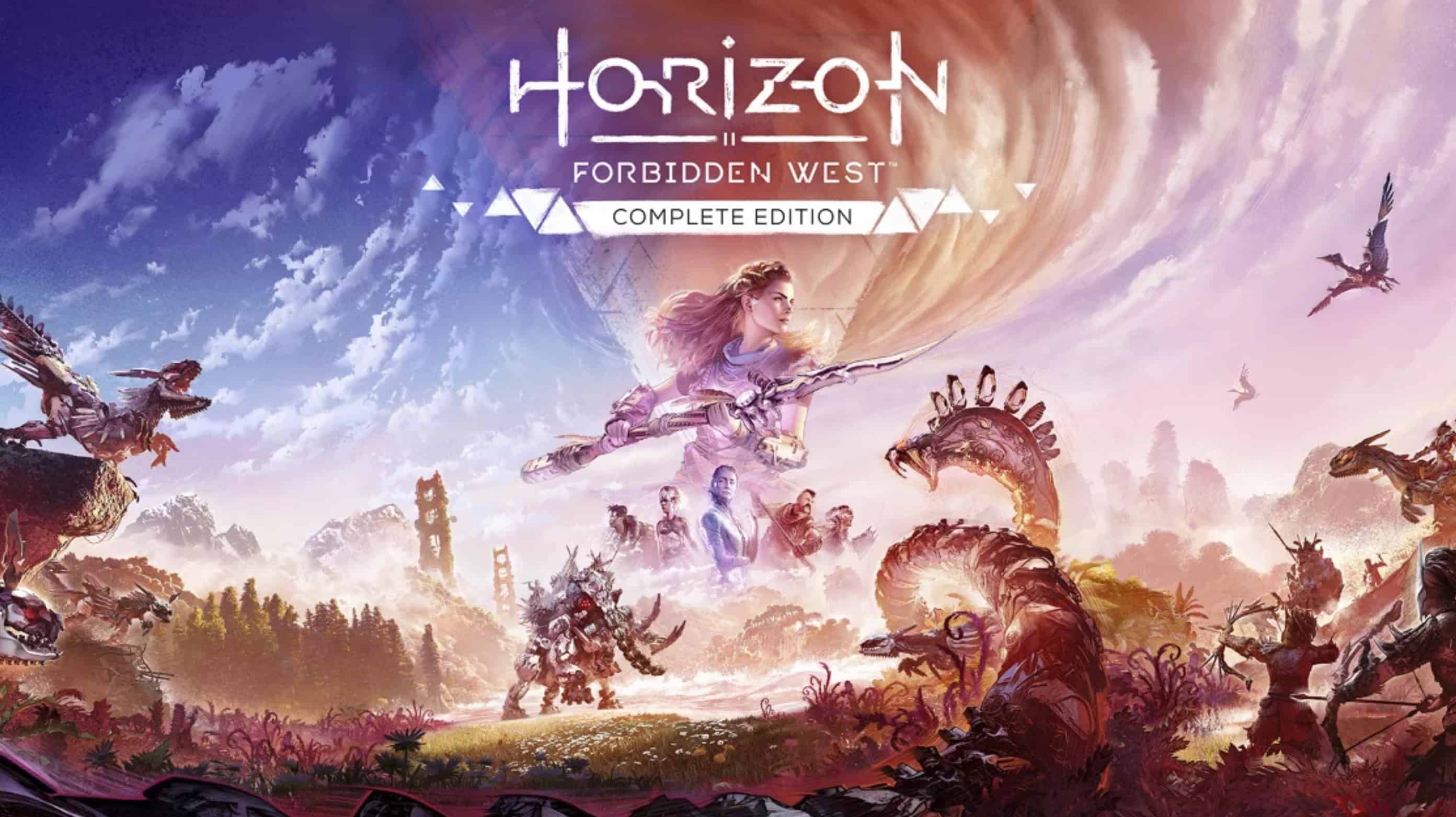
PC Horizon: Forbidden West – Complete Edition SaveGame
Includes TWO “clean” starting saves for New Game+ with an untouched map.
Key features:
* Top-tier legendary weapons and armor from NG+ are already fully upgraded to the max! No tedious grinding.
* A fully active world: All question marks (“?”), side quests, rebel camps, and Cauldrons remain untouched.
* Flying mount unlocked right from the start!
The archive contains two folders:
1. Base Game Completed (DLC Ready) — Story completed (NG+). DLC NOT started. Ready for *Burning Shores*.
2. Base + Burning Shores Completed — Story + *Burning Shores* DLC completed. Main game and DLC maps are clean.
To install:
Extract the archive and select the desired folder (with the DLC completed or without it).
2. Copy the files `manualsave0.dat` and `profile.dat` to your save game folder located at:
C:\Users\(Username)\Documents\Horizon Forbidden West Complete Edition\(ID_Folder)\
Note for the Steam version: If the game does not detect the save, take only the `manualsave0.dat` file, rename it to match any available slot number (e.g., `manualsave1.dat`), and place it in your personal folder. Your existing profile file will automatically recognize it.