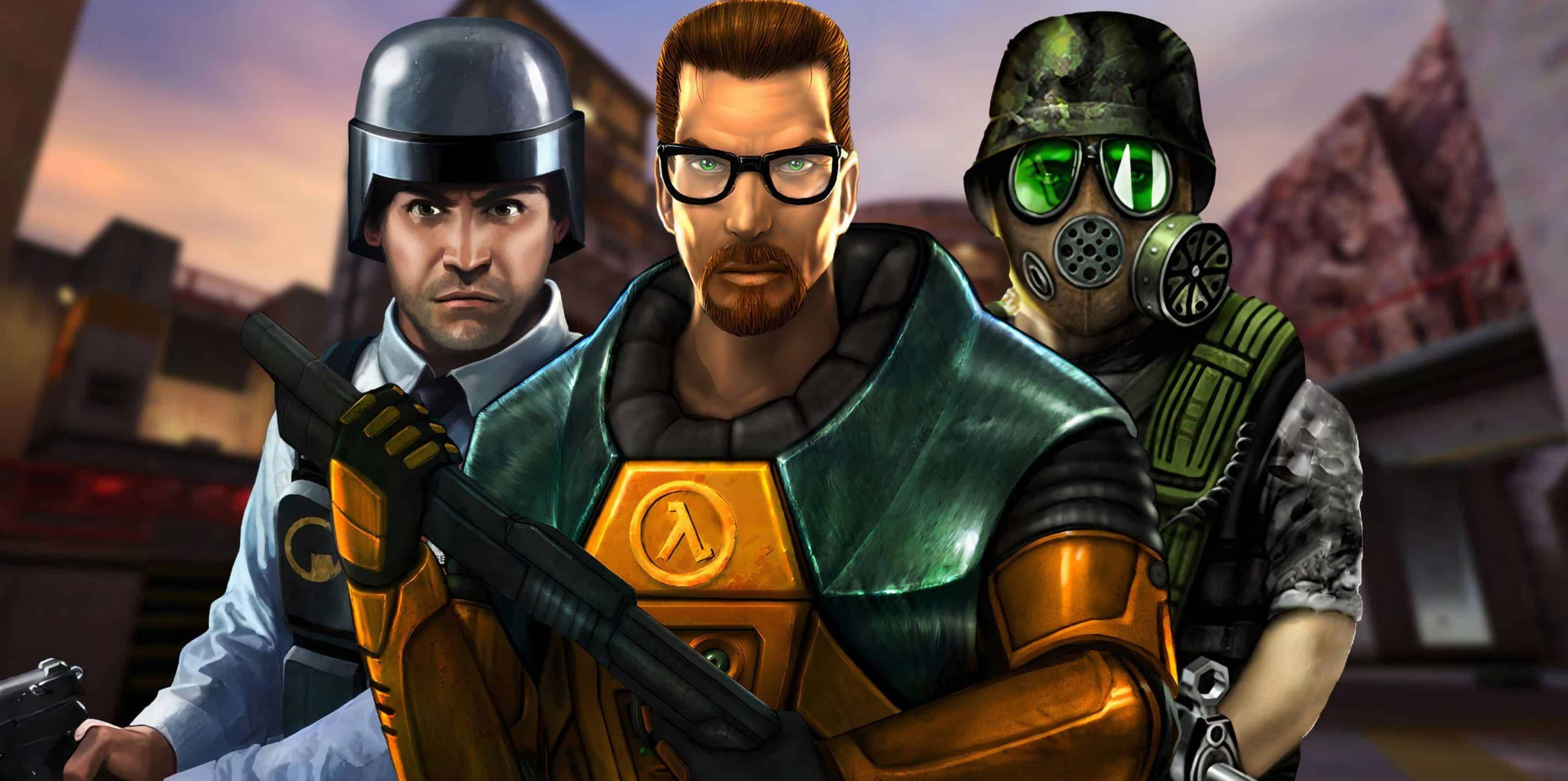
PC Half-Life + Opposing Force + Blue Shift SaveGame 100%

Save Game |

PC Half-Life + Opposing Force + Blue Shift SaveGame 100%

The original Half-Life, as well as its DLC, always had one drawback: There is no choice of chapters. These save packs solve it to some extent. There were save packs on the Internet, but there was some problem with the language, and there was not much ammunition, and my save files are named the same as the chapters in which they are saved, so if you only need a specific chapter, you can just choose.

Installation instructions:
– Download the file
– Open HL1 and without closing the game, throw the folder from the archive along the path “valve”, “gearbox” or “bshift” (depending on the selected game or add-on)



Status: 100%
Author: Intergoller
This content was uploaded by website visitors. If you notice any mistake, please let us know.

With the evolution of online gaming platforms, PC Half-Life + Opposing Force + Blue Shift SaveGame 100% Save Game file downloads have surged in popularity. Players frequently click on the PC Half-Life + Opposing Force + Blue Shift SaveGame 100% Save Game download file button to access pre-set game progresses, backup their data, or even recover saves inadvertently lost. This mechanism isn't just for personal use, many enthusiastic gamers also upload their meticulous save game files for the broader community.


You may also like

Leave a Reply

Your email address will not be published. Required fields are marked *