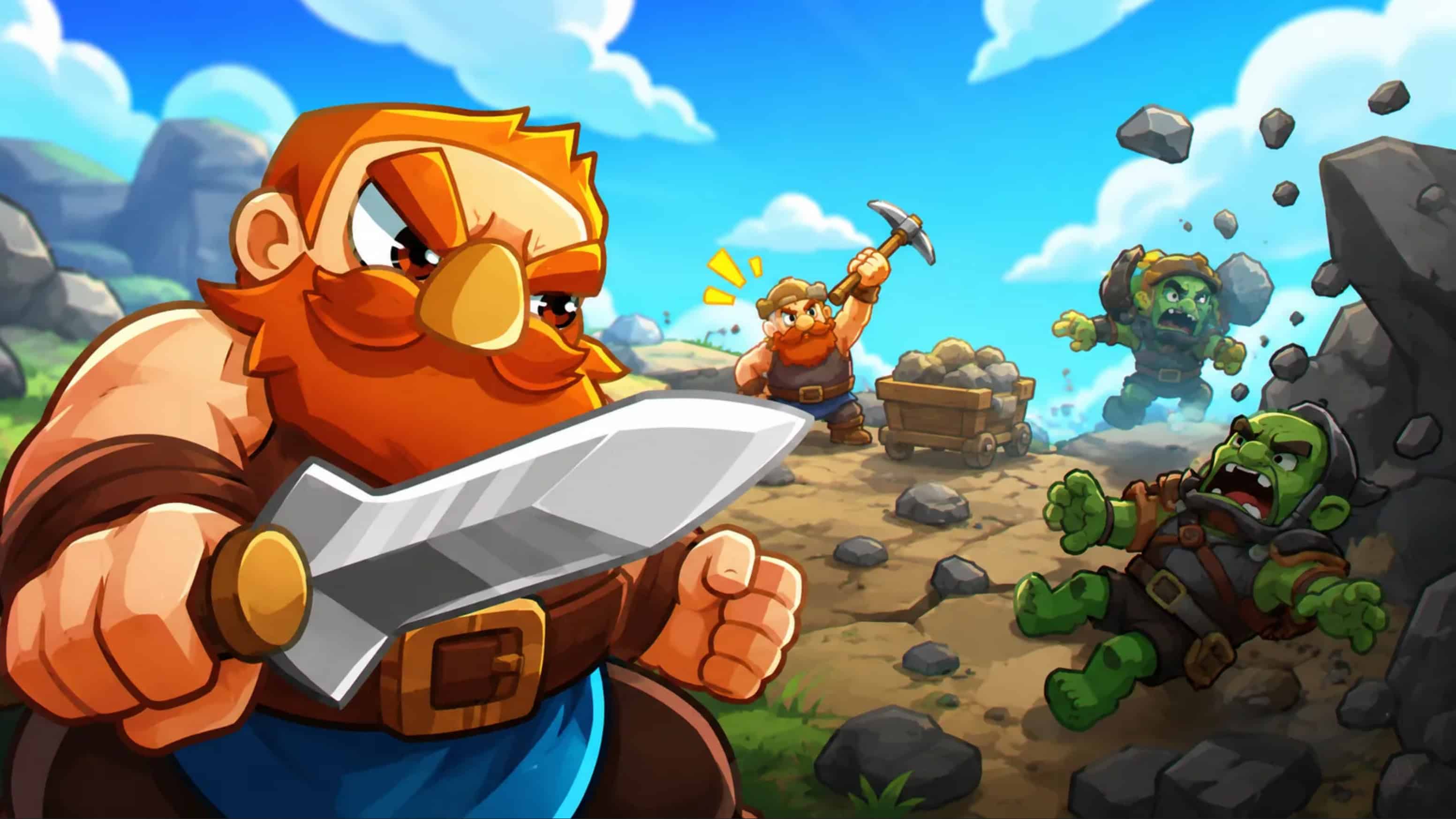
PC Stonewards SaveGame

Save Game |

PC Stonewards SaveGame

Save file featuring unlocked and fully upgraded characters, shared upgrades, tomes, and rings. Note: Not all in-game achievements are unlocked.

The save file works with version 0.1.8.

Installation instructions:
Extract the archive and copy the `progression.es3` file, overwriting the existing one, to the following path: C:\Users\”user”\AppData\LocalLow\Banana Tiger Studio\Stonewards\Saves\Cloud



Status: Everything is open
Author: Kotman191

With the evolution of online gaming platforms, PC Stonewards SaveGame Save Game file downloads have surged in popularity. Players frequently click on the PC Stonewards SaveGame Save Game download file button to access pre-set game progresses, backup their data, or even recover saves inadvertently lost. This mechanism isn't just for personal use, many enthusiastic gamers also upload their meticulous save game files for the broader community.


You may also like

Leave a Reply

Your email address will not be published. Required fields are marked *