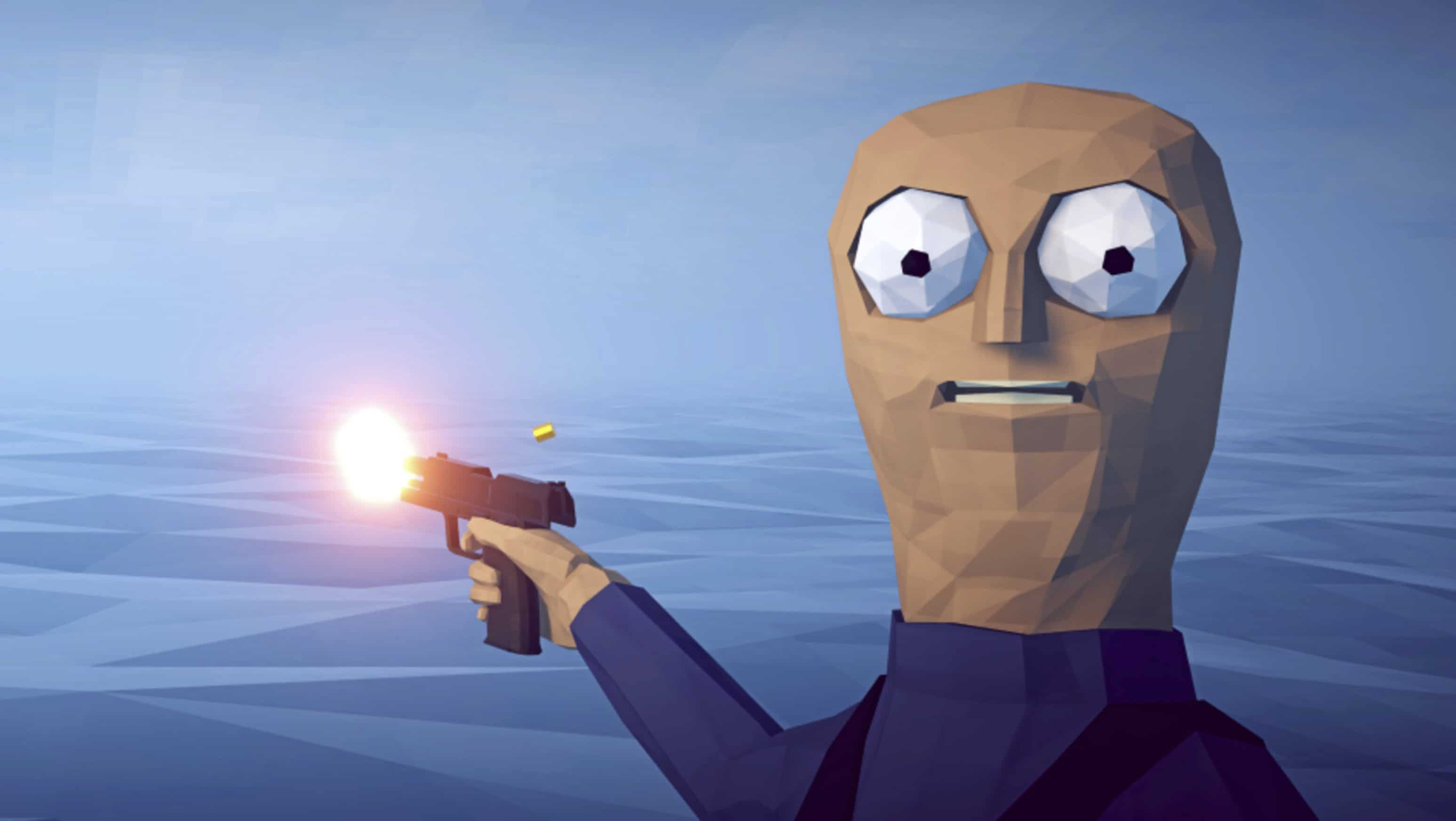
PC How to Fish SaveGame
Clothing and skins unlocked.
Installation:
– Download the save file archive.
– Disable cloud synchronization (if using a licensed copy on Steam or another launcher).
– Navigate to the following path: “AppData\LocalLow\Dazed Games\How to Fish\Saves\*your_steam_id*”
– Extract the archive contents into this folder (overwrite existing files if prompted).
– Launch the game.
– Check the save file.
– Exit the game.
– Re-enable cloud synchronization (using the same method you used to disable it).
– If a cloud sync conflict occurs, select the local save (the most recent one).
– Done!